
SKU
Studio White 1
Ready for the selected Studio White workflow.
Create a quick product photo preview before committing to HD exports, batch generation, or saved brand styles.
Ready for the selected Studio White workflow.
Product fidelity check: review logos, labels, small text, jewelry details, reflective surfaces, and packaging shape before publishing generated images.
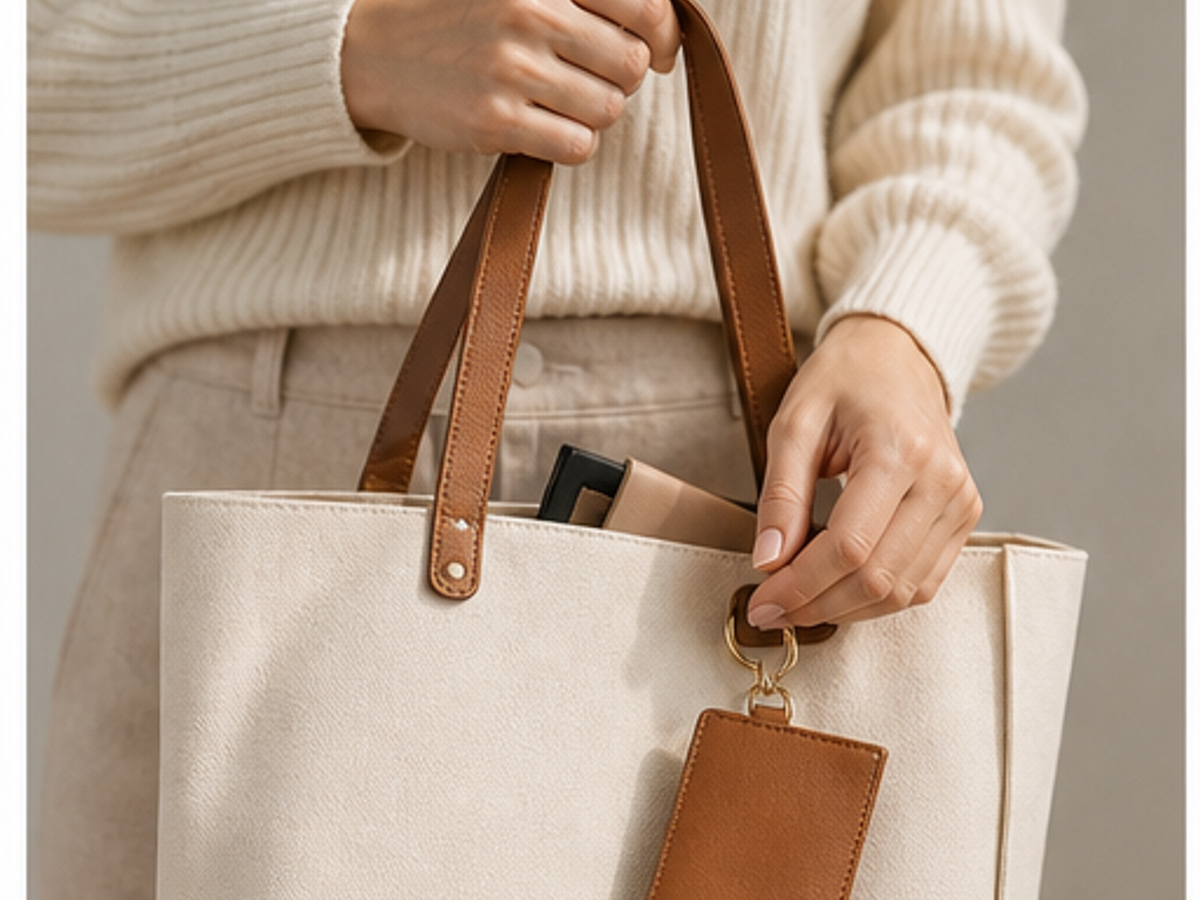
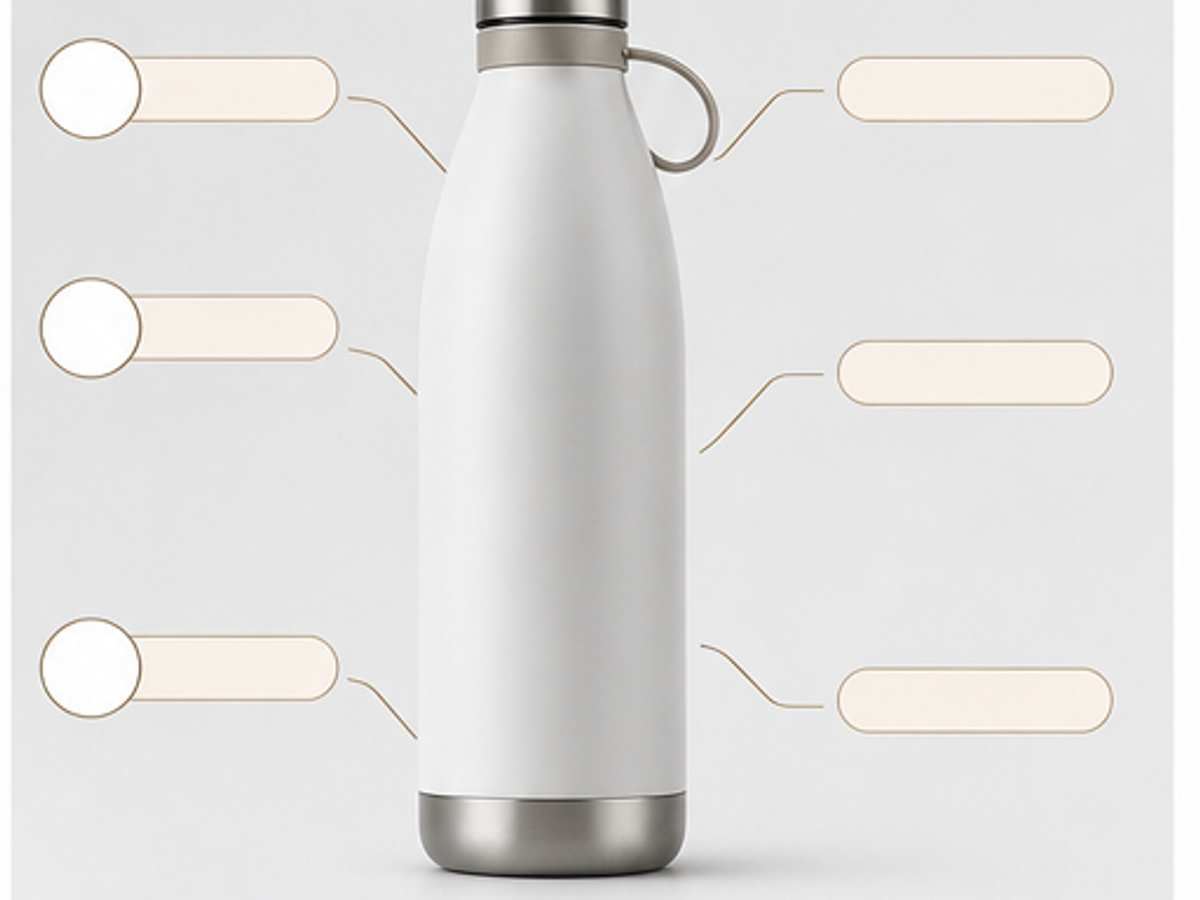
Each sample matches the page keyword, so every SEO page shows a specific ecommerce image workflow instead of a generic gallery.




Start from a real SKU photo so the AI product photography workflow has a product reference, not just a prompt.
Pick a scene type for studio images, lifestyle photos, model-led shots, infographics, or marketplace crops.
Check product fidelity, download previews, then use credits for HD, repeated styles, and larger ecommerce image sets.
Answers focus on product accuracy, marketplace use, page-specific workflows, and when to review generated images before publishing.
The page is designed for low-friction preview generation. HD exports, larger batches, and advanced workflows can use paid credits.
A free preview should reduce signup friction, while saved assets, HD downloads, and credit purchases use an account.
The frontend accepts JPG, PNG, and WebP product photos up to 10MB.
Review quality and product fidelity first. Free previews are best for testing direction before final ecommerce publishing.