
SKU
Feature callout
Turn top benefits into clean visual labels.
Paste 3-5 benefits or specs with your product upload and generate ecommerce infographic concepts for callouts, size cues, comparisons, and listing images.
Turn top benefits into clean visual labels.
Reserve space for dimensions and scale cues.
Show why this SKU wins against alternatives.
Frame warranty, material, or trust signals.
Product fidelity check: review logos, labels, small text, jewelry details, reflective surfaces, and packaging shape before publishing generated images.
Each sample matches the page keyword, so every SEO page shows a specific ecommerce image workflow instead of a generic gallery.
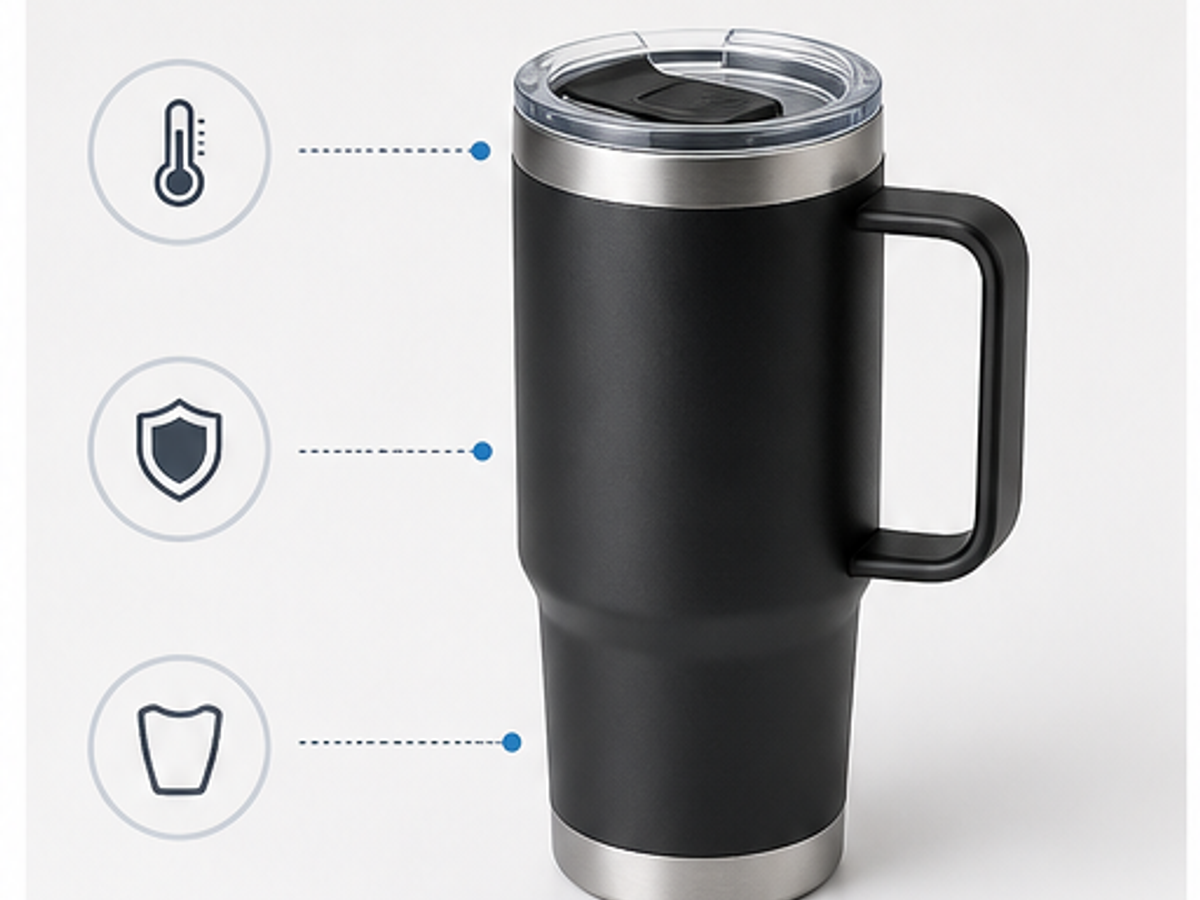
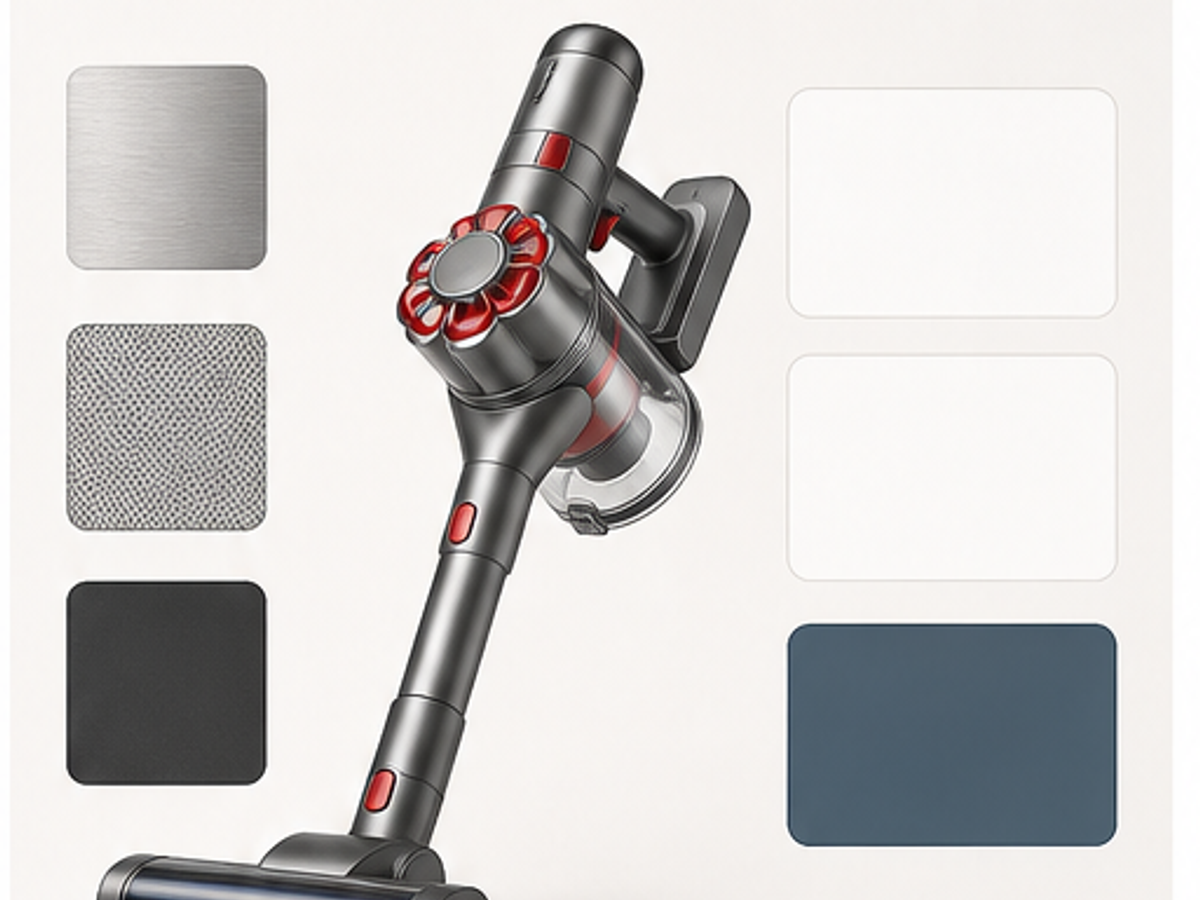
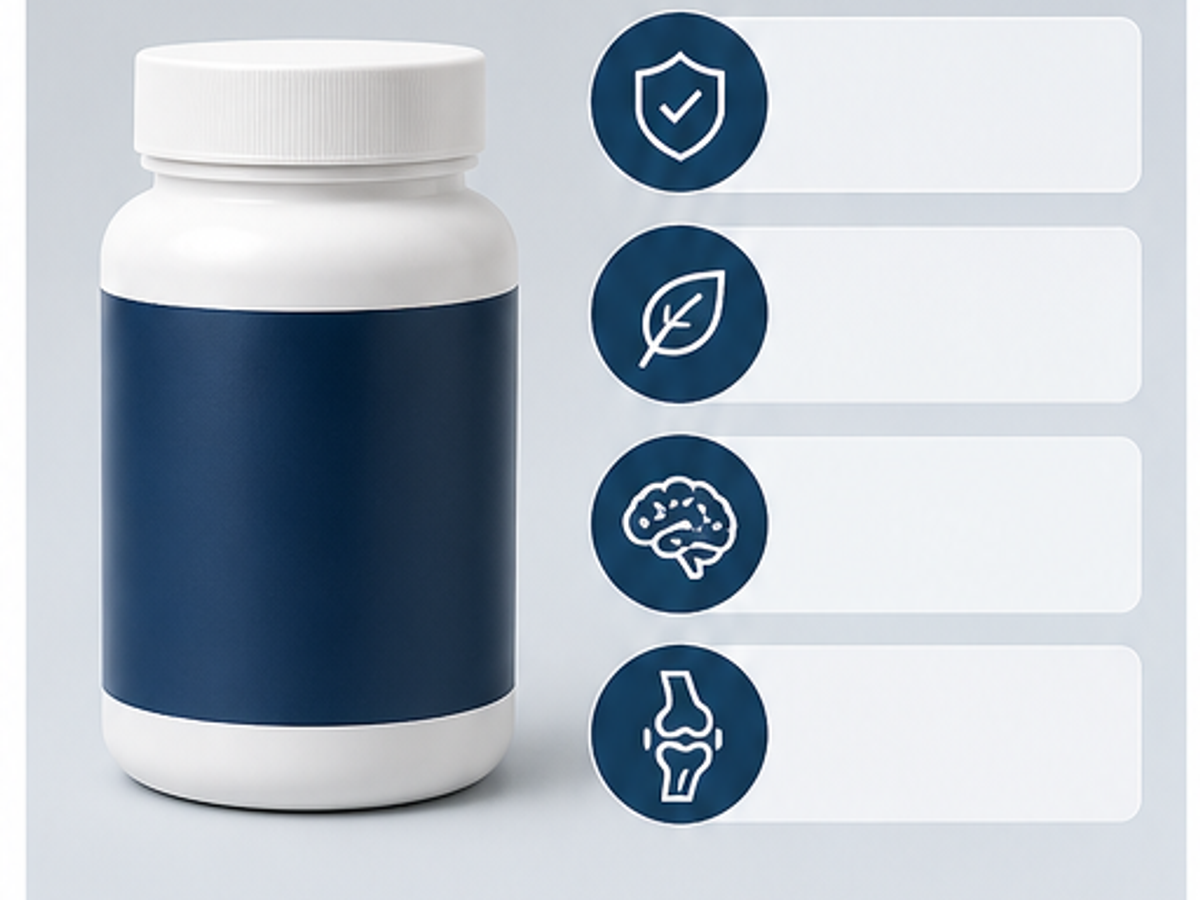
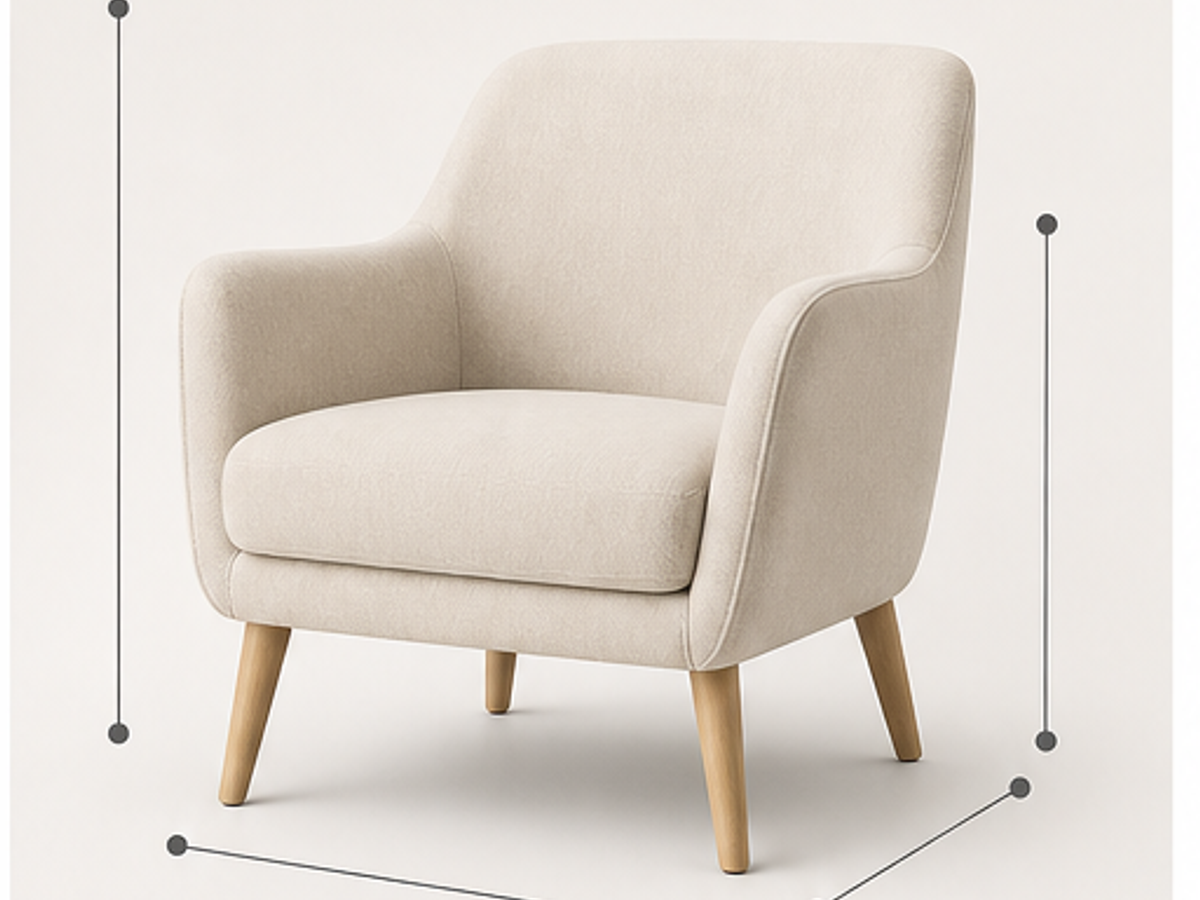
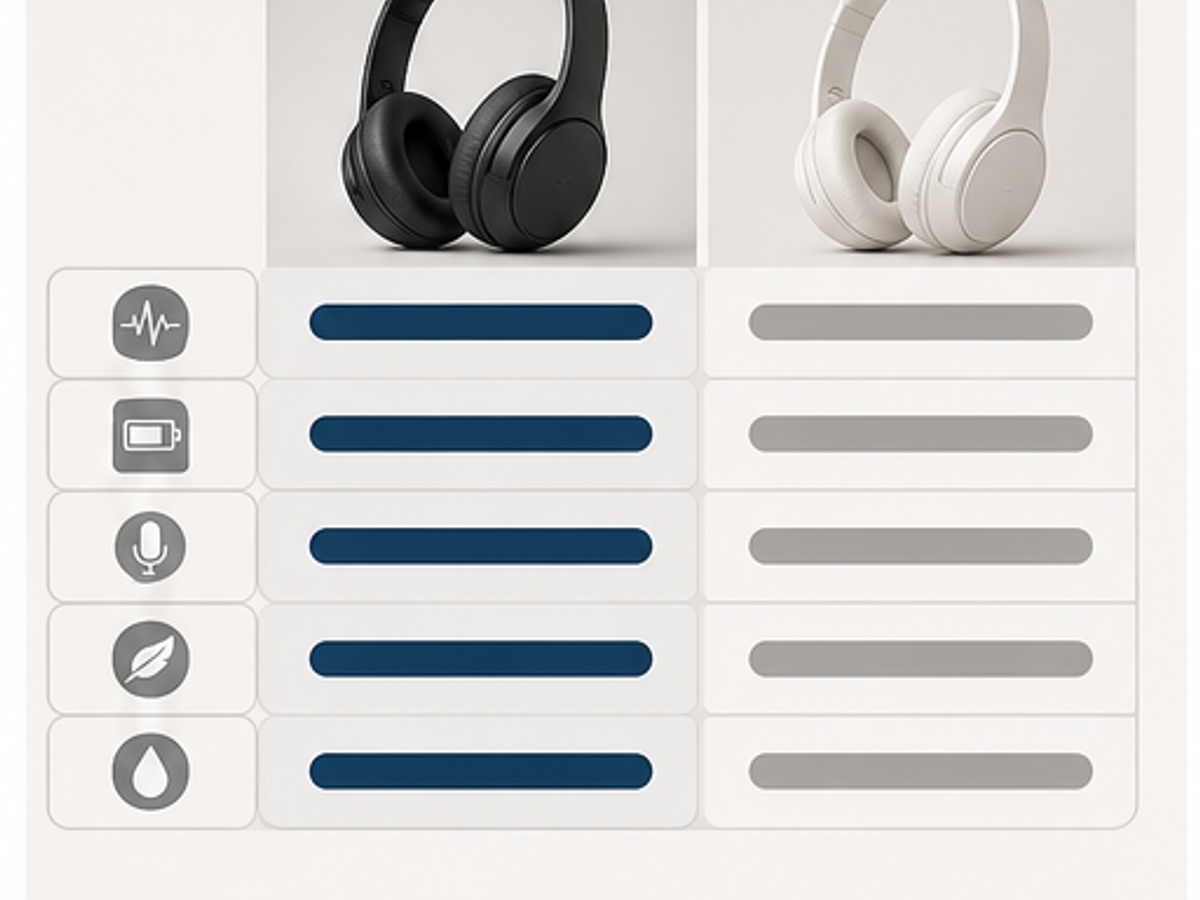
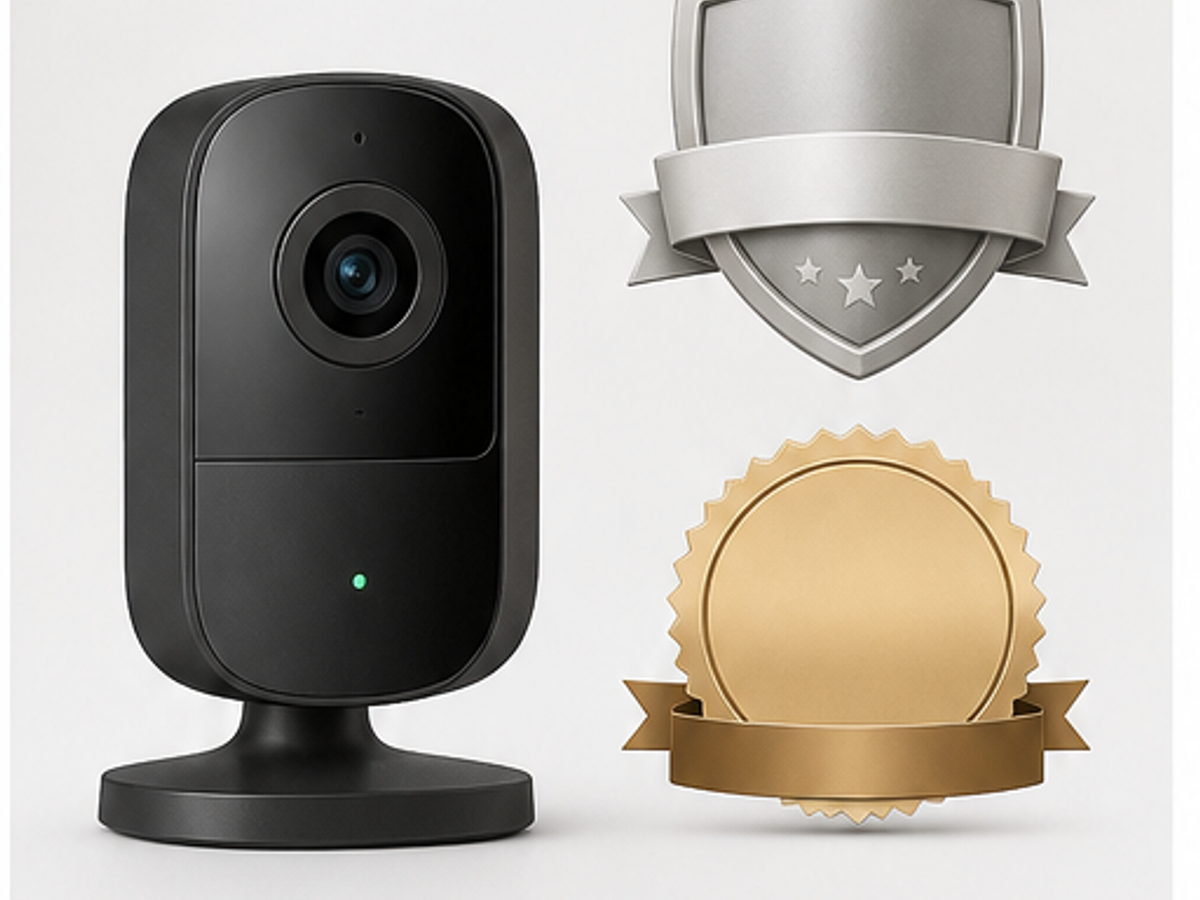
This page should answer the gap generic infographic tools miss: sellers need product-led images with benefits, specs, and ecommerce layout constraints.
Use concise benefits, materials, measurements, proof points, bundle contents, or comparison claims instead of a generic infographic prompt.
The product remains the hero while the layout leaves readable space for feature labels, badges, size cues, and comparison blocks.
Review label accuracy, dimensions, compliance-sensitive claims, and small text before using an infographic on Amazon, Shopify, or ads.
Start from a real SKU photo so the AI product photography workflow has a product reference, not just a prompt.
Pick a scene type for studio images, lifestyle photos, model-led shots, infographics, or marketplace crops.
Check product fidelity, download previews, then use credits for HD, repeated styles, and larger ecommerce image sets.
Answers focus on product accuracy, marketplace use, page-specific workflows, and when to review generated images before publishing.
It creates product images that combine a product photo with concise benefits, specs, visual callouts, size cues, proof badges, and comparison layouts.
Amazon sellers commonly use infographics for secondary listing images. Main image rules are stricter and should be checked separately.
Three to five concise benefits or specs usually create clearer product infographics than dense text or crowded layouts.
Yes. Shopify product pages, collection pages, landing pages, and ad creatives can use product infographic layouts.