
SKU
Skincare Clean 1
Ready for the selected Skincare Clean workflow.
Generate consistent product page images, collection visuals, lifestyle blocks, and ad creatives for Shopify stores.
Ready for the selected Skincare Clean workflow.
Product fidelity check: review logos, labels, small text, jewelry details, reflective surfaces, and packaging shape before publishing generated images.
Each sample matches the page keyword, so every SEO page shows a specific ecommerce image workflow instead of a generic gallery.
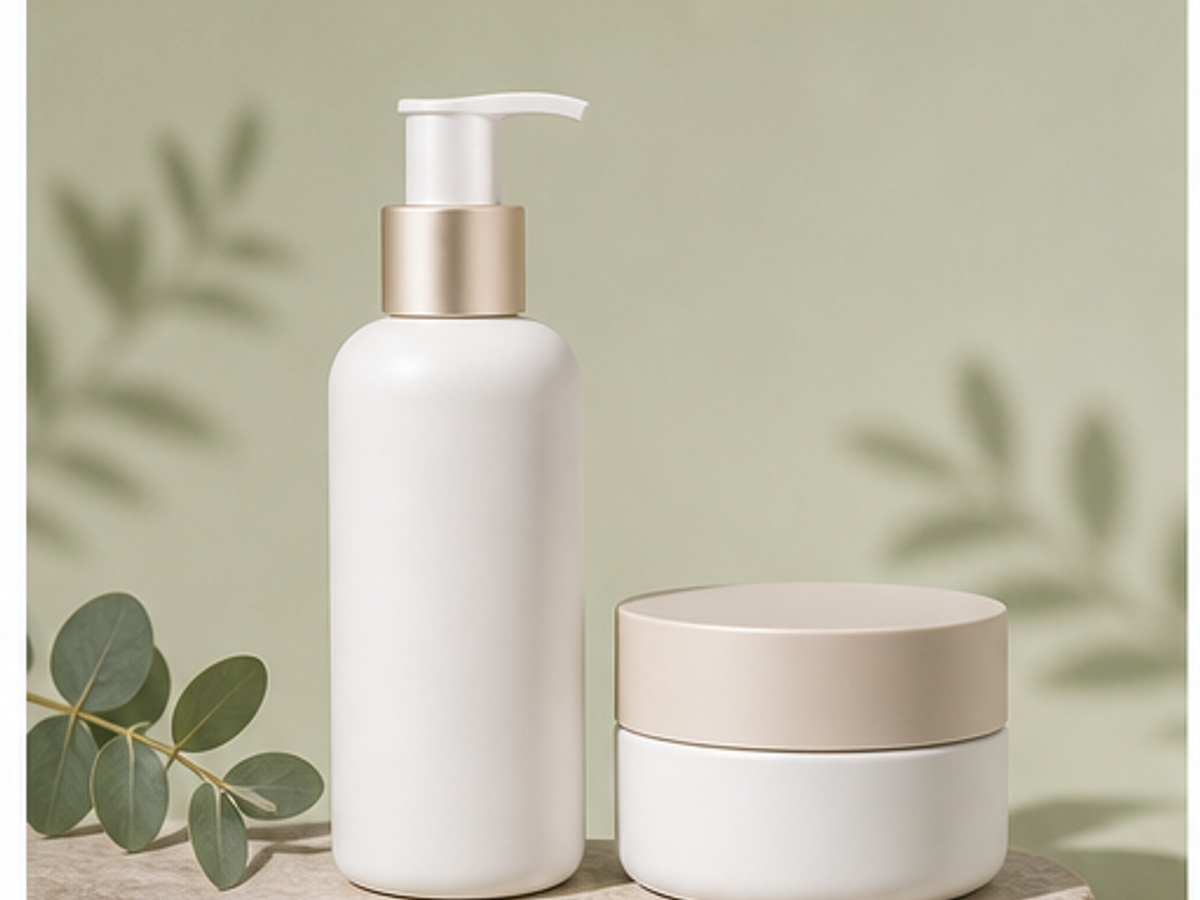
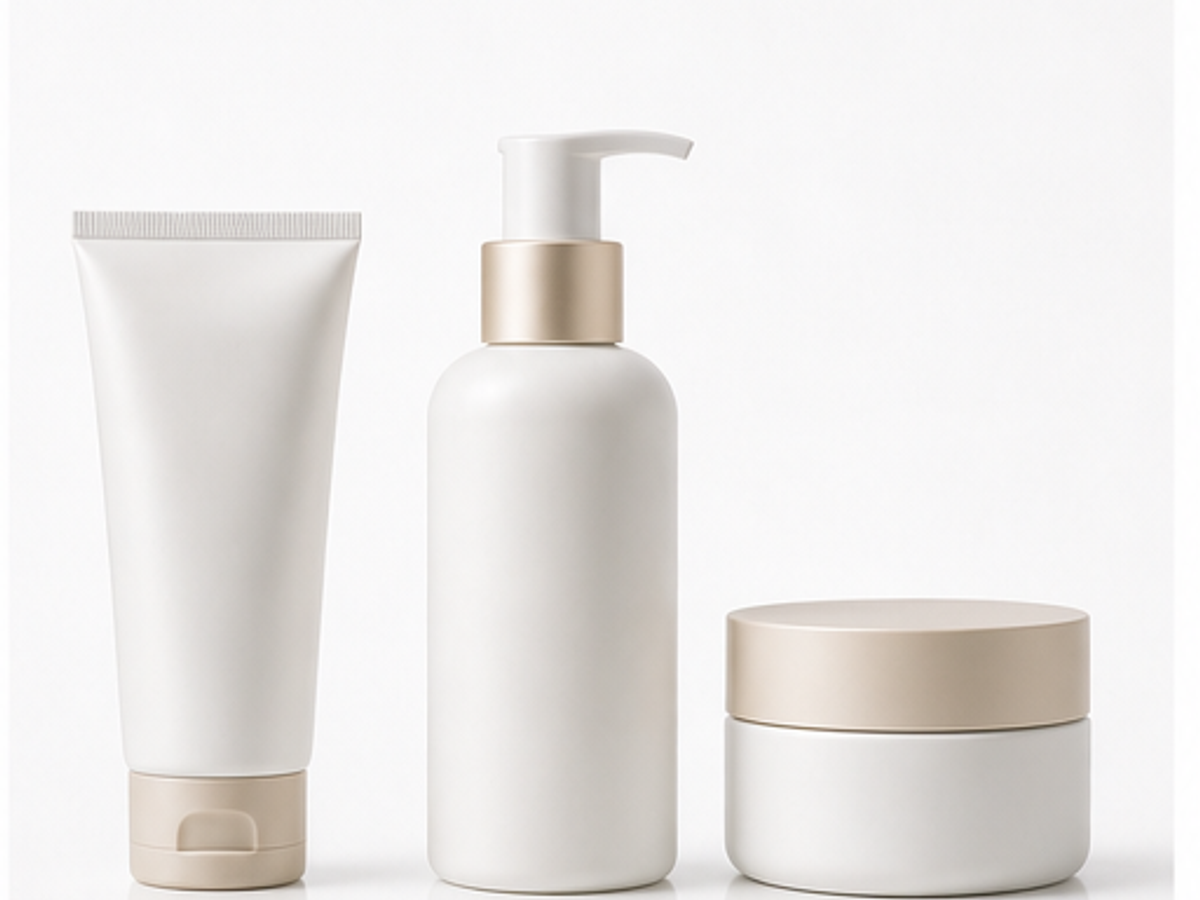
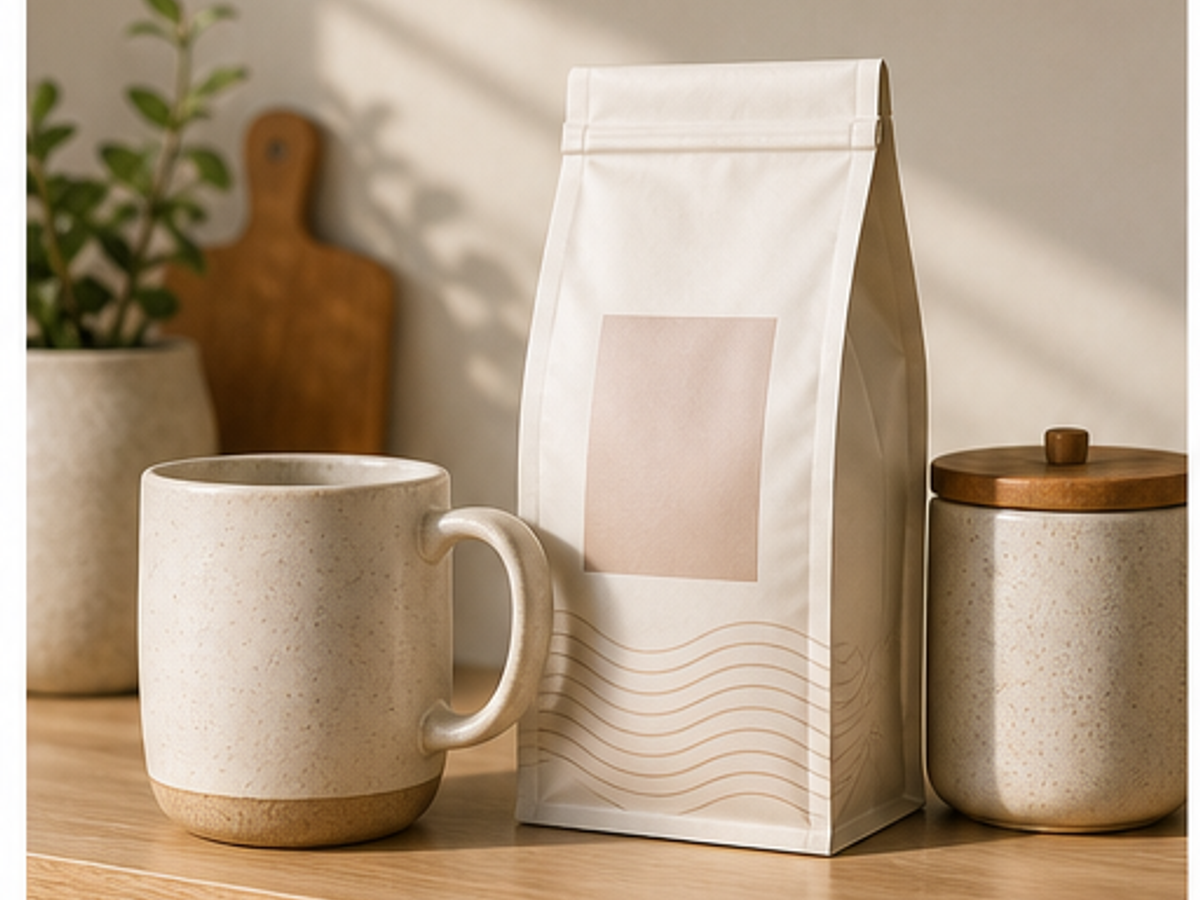
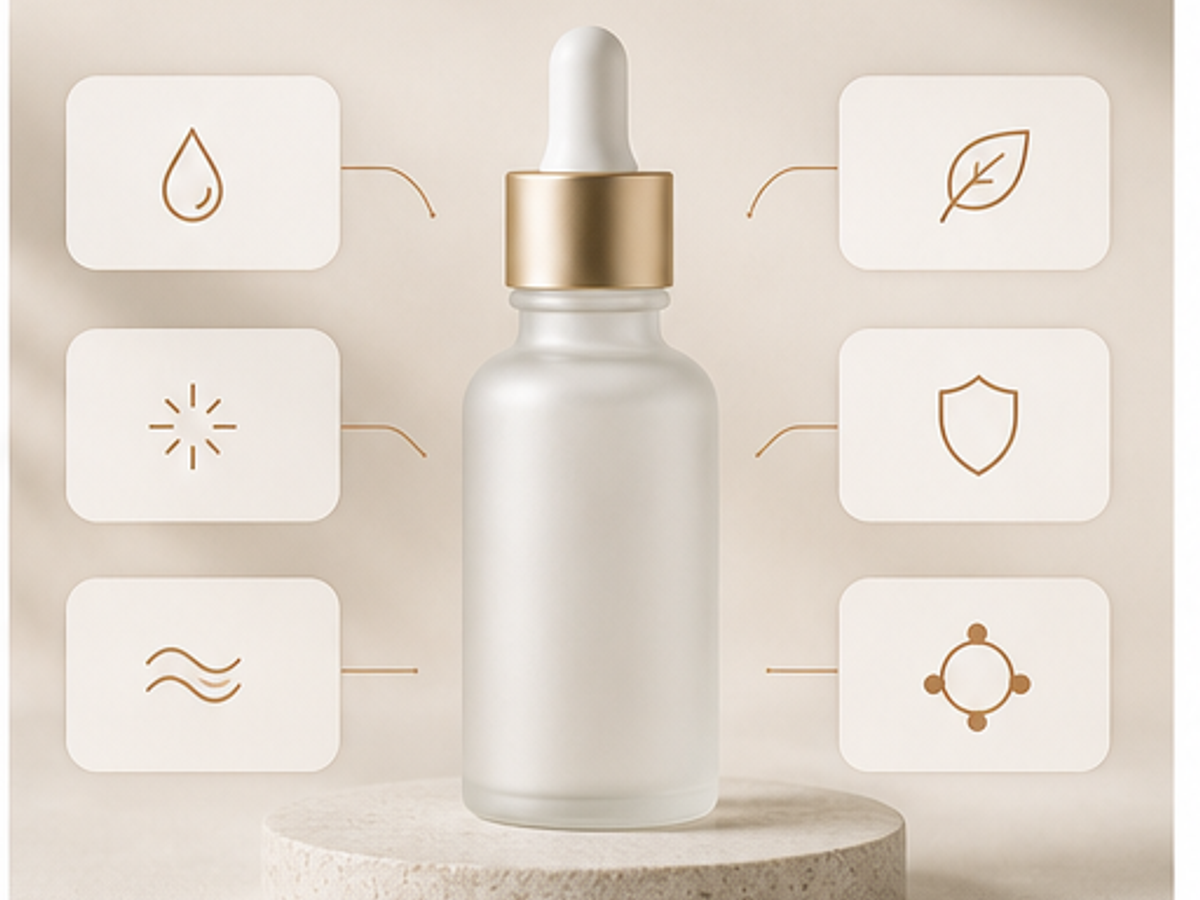
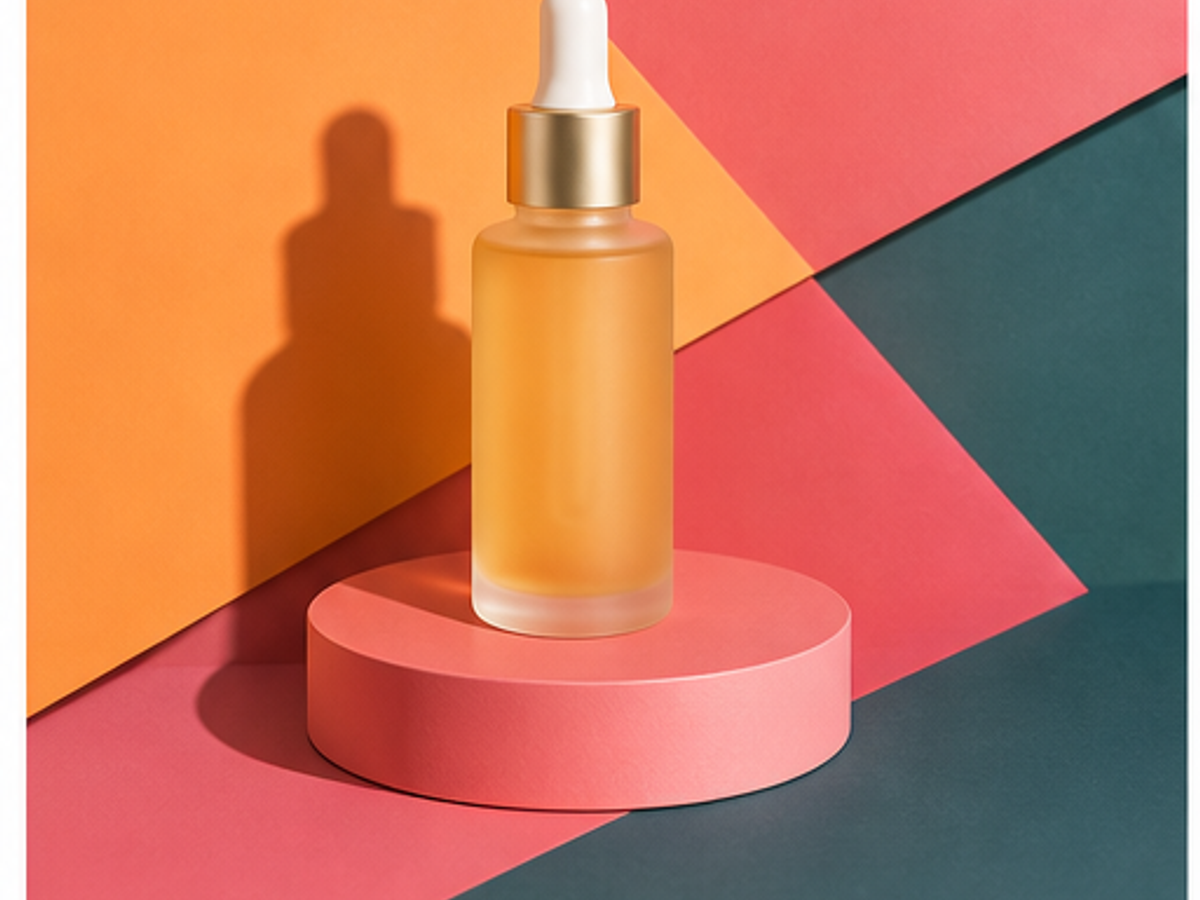

Start from a real SKU photo so the AI product photography workflow has a product reference, not just a prompt.
Pick a scene type for studio images, lifestyle photos, model-led shots, infographics, or marketplace crops.
Check product fidelity, download previews, then use credits for HD, repeated styles, and larger ecommerce image sets.
Answers focus on product accuracy, marketplace use, page-specific workflows, and when to review generated images before publishing.
No. Start with an upload-based AI product photography workflow before adding Shopify library sync or deeper integrations.
Create product page hero images, collection tiles, lifestyle blocks, benefit visuals, ad crops, and email banners.
Yes. Reusable brand style is important for Shopify stores with multiple SKUs and seasonal campaigns.
No. It improves visual merchandising and can support benefit graphics, but product descriptions and claims still need careful copywriting.